



The Ultimate Guide to Business Laptops, Leasing vs Buying, Tax Benefits, MDM, and More
Why Managing Devices Sucks (and Why It Doesn’t Have To)
If you run a business, you already know the pain of getting laptops for your team. Buying computers upfront tanks your cash flow. Keeping track of who has what is a nightmare. And when someone leaves? It’s a hassle to get the device back, if you ever get it at all.
Whether you’re a founder, ops manager, head of IT, or a sole proprietor, you want your team to have great laptops without the endless logistics and stress. This guide is here to help you:
- Understand the pros and cons of leasing vs buying laptops for your business
- Maximize your tax write-offs
- Get started with Apple Business Manager and MDM (Mobile Device Management)
- Avoid common pitfalls in device management for remote teams
- And discover new options that make the whole thing easier
Let’s get into it.
Leasing vs buying devices outright:
There are typically 2 common ways to get devices for businesses. Buying devices outright, or leasing them. There are pros and cons to each.
Option 1: Buying Devices Outright
This is the old-school way: work with Apple, Best Buy, or another business retailer, drop a few thousand dollars per machine, and hand them out to your team.
Pros:
- Simpler ownership
- No ongoing monthly payments
- May be ideal if you rarely upgrade or have extra capital
Cons:
- Big upfront cost
- Poor cash flow management
- Devices depreciate rapidly
- Harder to scale or refresh devices
Tax Note:
Buying computers is considered a capital expense. You might be able to write it off through Section 179 or bonus depreciation, but you often need to depreciate it over 3–5 years depending on your business structure.
Option 2: Leasing Devices for Business
Leasing is becoming increasingly popular, especially for startups and growing teams. Instead of paying thousands upfront, you pay a monthly rate per device.
Pros:
- Lower upfront cost
- Smooths out cash flow
- Typically 100% tax-deductible as an operating expense
- Easier to upgrade when you need it
- Can bundle insurance, MDM, accessories
Cons:
- You’ll usually pay a small upcharge when leasing
- You don’t own the devices
- Some leases have restrictive terms or penalties
Lease vs Buy Comparison Table:
| Factor | Buying | Leasing |
|---|---|---|
| Upfront Cost | High | Low |
| Ownership | Yes | No |
| Flexibility | Low | High |
| Tax Treatment | CapEx (depreciation) | OpEx (expensed) |
| Best For | Slower-growing companies with lots of capital | Fast-scaling teams who value flexibility and speed |
Tax Write-Offs: Lease vs Buy

Here’s where things get interesting.
- Leasing = Operating Expense (OpEx): You can typically deduct 100% of lease payments each year.
- Buying = Capital Expense (CapEx): You deduct depreciation over time (typically 3-5 years unless using Section 179).
Section 179 and Bonus Depreciation
- If you buy equipment, you may be able to deduct the full cost in year one under Section 179.
- However, this can vary by business type (LLC vs S-corp vs C-corp), your profit level, and your accountant’s recommendations.
- In order to claim Section 179, you must use the devices for >50% business, and be profitable (you can’t use it to create a loss), among other things.
Tip: Most businesses without huge cash reserves prefer leasing because of the simpler deductions and cash flow advantages.
Disclaimer: Consult your CPA to confirm the best path for your business.
How to Set Up MDM and Apple Business Manager
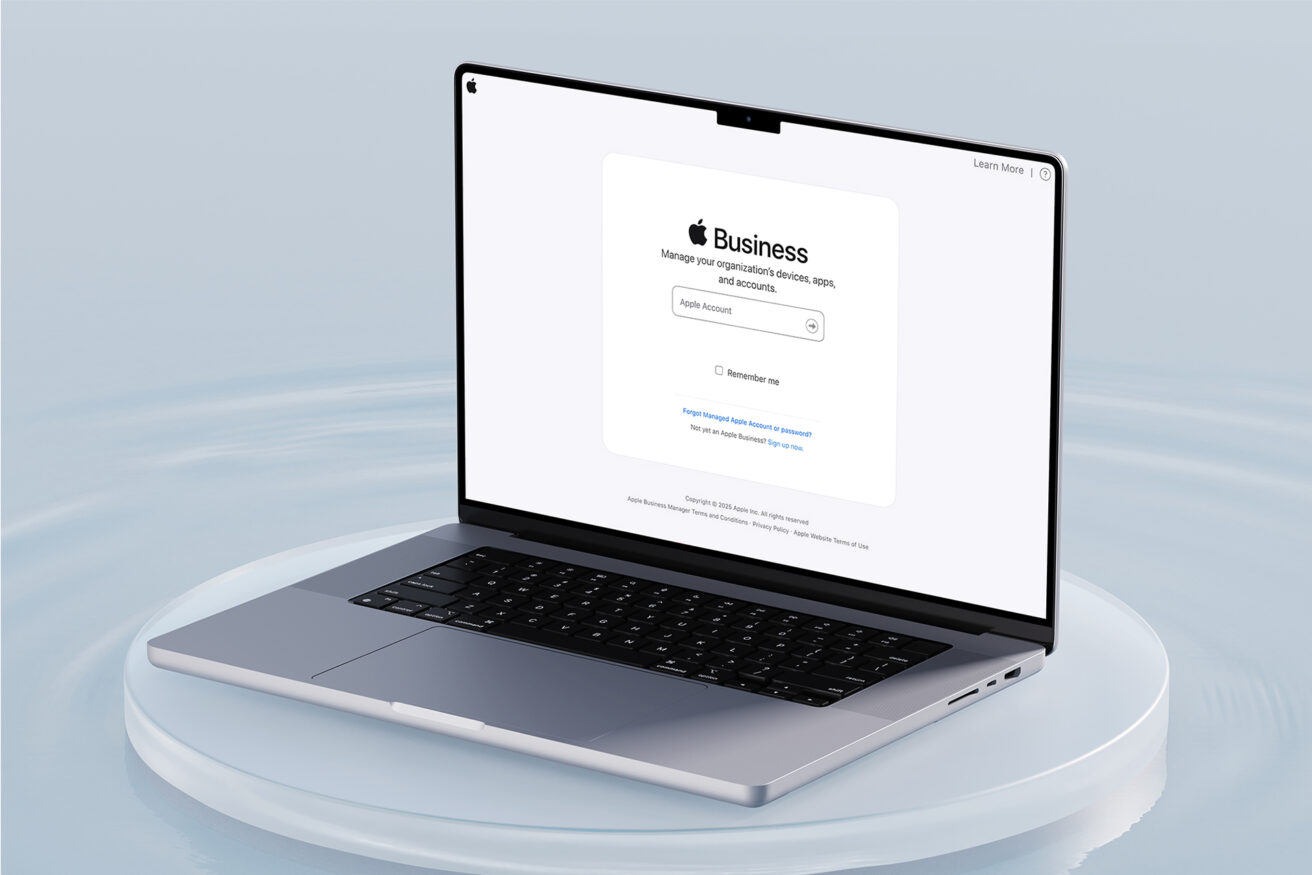
If you give your employees a company laptop, you need a way to manage it remotely.
That’s where MDM (Mobile Device Management) and Apple Business Manager (ABM) come in.
What is Apple Business Manager?
- A free Apple tool that lets you assign devices to your organization
- Enables zero-touch setup when you pair it with an MDM provider, meaning employees can turn on their device and have it automatically configured with everything they need, without IT ever touching it.
What is Mobile Device Management (MDM)?
- Lets you remotely manage, configure, and secure devices
- Common options: Jamf, Kandji, Mosyle
- Automatically install neccesary apps, add security policies, and handle remote wipes
Benefits of MDM:
- Auto-configure new laptops before they even arrive
- Enforce encryption and passwords
- Automatically install apps
- Wipe lost/stolen laptops instantly
- Track devices company-wide
With Upgraded for Business, we can pre-enroll your Macs in ABM and help you get set up with MDM, so you don’t have to lift a finger.
Tips for Managing Devices Across Your Team

Managing devices is harder than ever with hybrid and remote teams. Here are a few tips to make it smoother:
Shipping Laptops to Employees:
- Use tracked, insured shipping
- Consider pre-loading laptops with onboarding materials
- Set up ABM and an MDM to make the setup process seamless
Tracking Device Inventory:
- Keep a spreadsheet or use device management tools
- Track who has what, serial numbers, return status, and any accessories sent.
Handling Exits and Returns:
- Pre-schedule return labels
- Use MDM to wipe devices if needed
- Offer employees the ability to buy out devices
Optional Accessories:
- Extra chargers, USB-C hubs, stands, keyboard covers
- Consider bundling these with your lease (Upgraded makes this easy)
Common Mistakes to Avoid

Don’t get caught slipping. Here are mistakes we see all the time:
- Buying Macs with personal cards: This kills your ability to properly deduct the expense or track it for tax purposes. It also muddies ownership and can complicate reimbursements or audits.
- Not enrolling in Apple Business Manager: Without ABM, your devices aren’t tied to your organization and can’t be automatically managed or configured. You’ll have to manually set up every new device, which is a huge time suck.
- Sending out devices without insurance: If a device is lost, stolen, or damaged in transit (or later on), you’re stuck paying out of pocket or eating the cost. It’s a small monthly fee that protects a major investment.
- Forgetting to reclaim laptops from ex-employees: Devices can easily be lost in the shuffle when someone leaves the company, especially in remote setups. That’s thousands of dollars gone if you don’t have a solid offboarding and return process.
- Ignoring security and MDM until it’s too late: Waiting until a device is compromised or goes missing to think about security is a recipe for disaster. MDM lets you wipe, lock, and secure devices remotely, but only if you set it up in advance.
A simpler way to manage devices
Upgraded is the stress-free way to get Macs for your team. We handle the logistics, you stay focused on growing your business.
Here’s how it works:
- Choose the tech products you want
- Pay monthly instead of upfront, with leases from 12-48 months
- Get optional add-ons like insurance, accessories, and MDM setup
- We ship directly to your team, wherever they are
- Seamless upgrades when you need them
Whether you’re a 1-person startup or a 100+ person company, we’ll help you:
- Preserve cash flow
- Maximize tax deductions
- Simplify IT and support
- Keep your team productive
“It’s the most Apple-like experience I’ve ever had from a company that isn’t Apple.” — One of our customers
You can see if you qualify for Upgraded for Business here. Most companies can place their order within one business day.
Frequently asked questions about devices for businesses (FAQ)
Is leasing laptops tax-deductible? Yes. In most cases, 100% of your lease payments can be expensed annually.
What’s the best MDM for small businesses? Kandji and Mosyle are great user-friendly options. Jamf is more enterprise-grade. We can help you pick.
How do I enroll in Apple Business Manager? Visit business.apple.com, sign in with your business account, and follow the steps. We can pre-enroll your Macs.
Can I upgrade devices when leasing? Yes, but typically you’ll have to finish your current lease and start a new one. New options are springing up though that make upgrading devices very easy when leasing. For example, with Upgraded, you can upgrade anywhere from 12 to 48 months, or buy out devices if your team wants to keep them.
What happens if a leased device breaks?
In most business leasing agreements, if a device breaks, your options depend on whether you’ve added insurance or protection. Without coverage, you may be responsible for repair costs or even the full replacement value of the device. Some leases include limited manufacturer warranties, but these usually don’t cover accidental damage.
With Upgraded, you have the option to add device insurance to your lease, which covers common issues like drops, spills, and other accidental damage. If a device breaks, we’ll handle the repair or ship a replacement quickly, so your team can get back to work without the usual delays or IT bottlenecks.
Can I give employees the option to buy their device?
Yes. At the end of a lease term, many businesses choose to let employees buy their devices as a perk, especially if the team member has been using it for a few years. Upgraded makes this simple with a clear buyout option at the end of the lease. It’s a great way to reward long-term employees or streamline offboarding if someone’s leaving the company and wants to keep their laptop. No awkward negotiations or IT involvement.
Final thoughts: Get the right tools, then get back to work
Buying and managing computers shouldn’t be your full-time job.
Whether you’re buying outright, leasing, or just learning how it all works, this guide should help you make smarter decisions, avoid common pitfalls, and build a device strategy that scales with your business.
And if you want the modern, device buying experience for your team?
Check out Upgraded for Business
You can apply in 5 minutes (there’s never any impact to your credit), and most companies get a response in <1 business day.